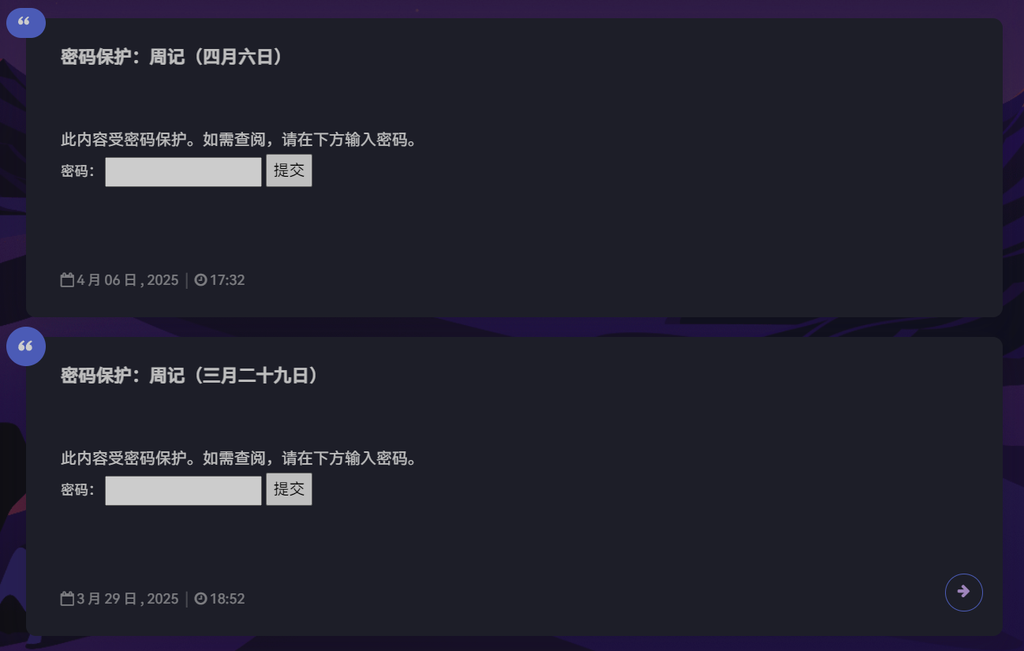
见到这个,你会发现这和Argon主题默认的密码保护样式十分违和。于是我修整了一下Argon的代码。
鄙人较为粗犷,直接加的过滤器。
add_filter( 'the_password_form', 'replace_password_form' );
function replace_password_form() {
    global $post;
    $label = 'pwbox-' . ( empty( $post->ID ) ? rand() : $post->ID );
    $output = '<div class="text-center container">
        <form action="' . esc_url( site_url( 'wp-login.php?action=postpass', 'login_post' ) ) . '" class="post-password-form" method="post">
            <div class="post-password-form-text">这是一篇受密码保护的内容,您需要提供访问密码</div>
            <div class="row justify-content-center">
                <div class="form-group col-lg-6 col-md-8 col-sm-10 col-xs-12 post-password-form-input">
                    <div class="input-group input-group-alternative">
                        <div class="input-group-prepend">
                            <span class="input-group-text"><i class="fa fa-key"></i></span>
                        </div>
                        <input name="post_password" id="' . $label . '" class="form-control" placeholder="密码" type="password" />
                    </div>
                </div>
            </div>
            <input class="btn btn-primary" type="submit" name="Submit" value="确认" />
        </form>
    </div>';
    return $output;
}
这段代码是从/template-parts/content-shuoshuo.php抄过来的,稍微动了动。然后就出问题了。
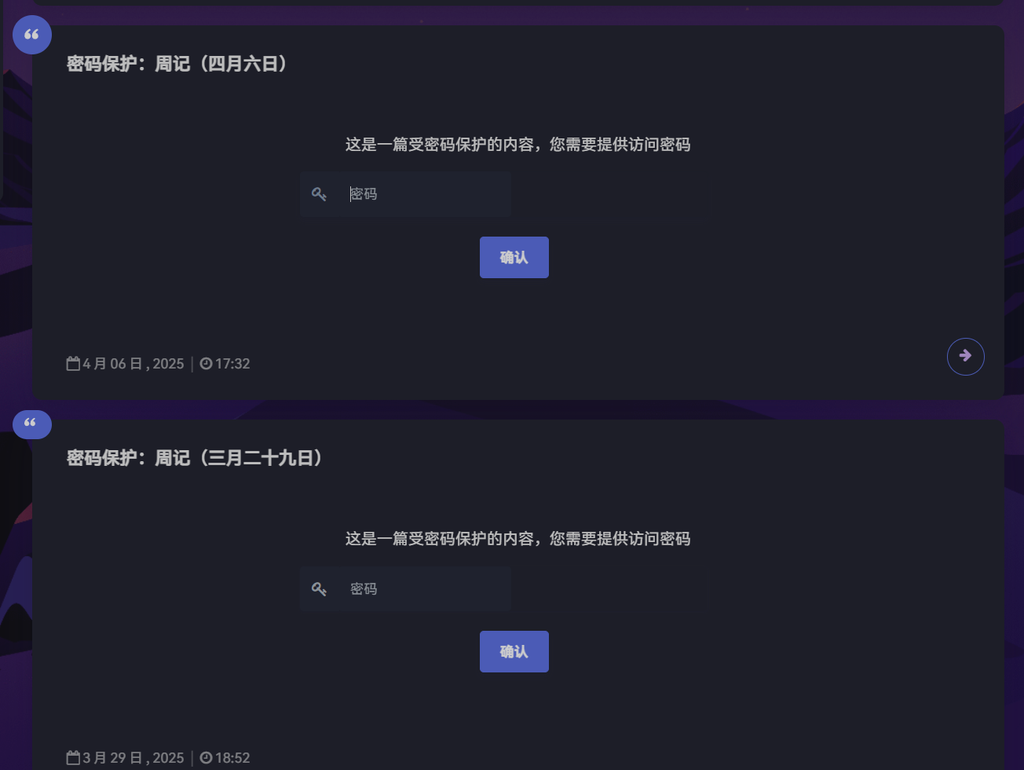
密码框偏左且小。经过与说说页面的密码框的对比发现,首页上面多了一堆p标签。
<div class="text-center container">
  <form action="https://muidar.com/wp-login.php?action=postpass" class="post-password-form" method="post">
    <div class="post-password-form-text">这是一篇受密码保护的内容,您需要提供访问密码</div>
    <div class="row justify-content-center">
      <div class="form-group col-lg-6 col-md-8 col-sm-10 col-xs-12 post-password-form-input">
        <div class="input-group input-group-alternative">
          <div class="input-group-prepend">
            <span class="input-group-text"><i class="fa fa-key"></i></span>
          </div>
          <p> <input name="post_password" id="pwbox-2021" class="form-control" placeholder="密码" type="password">
          </p>
        </div>
        <p></p>
      </div>
      <p></p>
    </div>
    <p> <input class="btn btn-primary" type="submit" name="Submit" value="确认"><br>
    </p>
  </form>
  <p></p>
</div>
问了DeepSeek才知道,标签是wpautop函数 (WordPress Auto Paragraphs)自动添加的。这个函数的优先级为10,因此我们只需要把我们这个函数优先级改一改就行了,即将最初第一行代码改为:
add_filter('the_content', 'replace_password_form', 11);如你在首页所见,成功了。